

Digital Tools That Actually Help Manage Household Chaos
Overview of apps and systems for shared calendars, task lists, document storage, and communication. What works, what's overkill, and what to skip.

Why Your Spreadsheet Isn't Cutting It Anymore
Managing a multi-generational household—coordinating school pickups, doctor appointments for aging parents, kids' activities, and work schedules—requires more than sticky notes and group texts. You're juggling dozens of moving pieces, and one missed detail can derail the entire week.
The problem isn't that you lack tools. It's that you're probably using too many. Or the wrong ones. Or ones nobody in your family actually bothers with. We'll cut through the noise and show you what actually works for families managing eldercare, childcare, and everything in between.



Task Lists: Where Things Actually Get Done
Calendars show when things happen. Task lists show what needs to happen. These are different problems. Todoist, Microsoft To Do, or Apple Reminders work fine. The real skill is assigning tasks, not collecting them.
Here's what kills task systems: dumping 47 things into one list and hoping someone magically does them. Instead, create separate lists for different responsibility areas. Grocery shopping. Mom's care tasks. House maintenance. Kids' school requirements. Assign tasks to specific people with due dates. Keep lists lean—no more than 8-12 active tasks per person per week.
The hardest part? Getting everyone to actually use it. You'll need gentle reminders for the first month. After that, most people adapt because they can see exactly what they're responsible for. No more surprises.
Document Storage: The System You'll Actually Use
Insurance policies. School forms. Medical records. Eldercare documentation. Financial statements. You're probably storing these across email, random folders, a filing cabinet, and someone's "I'll remember where that is" brain space.
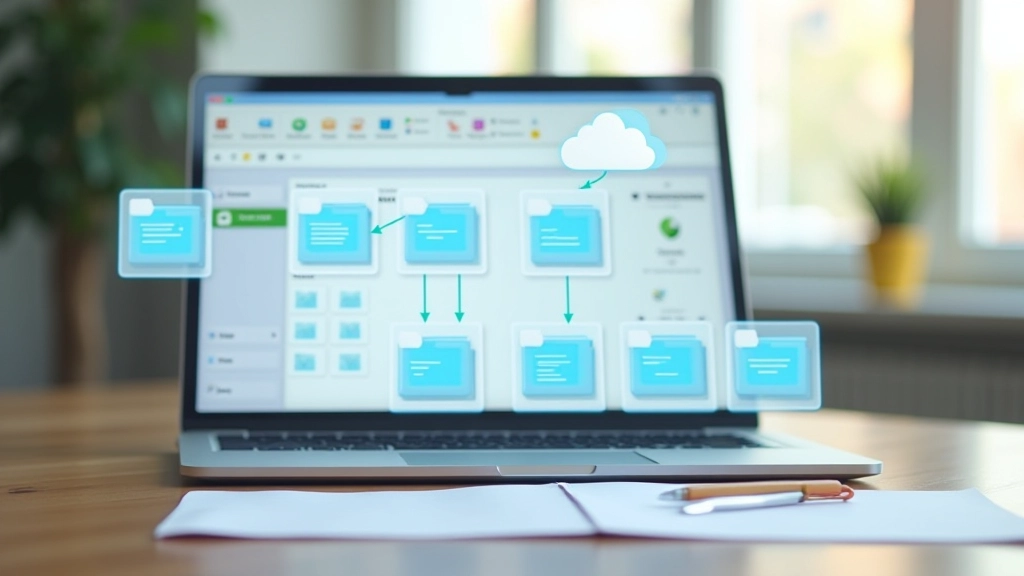
Google Drive, OneDrive, or Dropbox solves this. Create folders for each major category: Healthcare, Financial, School, Legal, Household. Within each, organize by year or by person. Upload documents as you receive them—not "later" but immediately. Aging parents especially appreciate knowing that their medical directives and emergency contacts are accessible to the right people.
Essential folders to create:
- Healthcare (insurance cards, doctor contacts, medication lists)
- Financial (tax documents, bank info, account passwords—secured properly)
- School (report cards, permission forms, IEP documents if applicable)
- Legal (wills, powers of attorney, guardianship documents)
- Household (warranty documents, rental agreements, emergency procedures)

Communication: Keep It Simple or It Dies
Group texts work. WhatsApp works. A family Slack channel works. Email threads don't work. Pick one primary channel and use it consistently. Not everyone needs to be in every conversation, but when you have time-sensitive information—"Dad's appointment is moved to Thursday" or "We're out of milk"—send it through the same channel every time.
The biggest mistake? Having important information scattered across three different platforms. Your 70-year-old parent misses the WhatsApp update because they don't check it daily. Your teenager sees the text but ignores the email reminder. Consolidate. Use one system for logistics, one for casual chat. Stick to it.
Pro tip: Create a family chat protocol. Time-sensitive logistics go in the main channel with everyone. Casual conversation happens separately. Document changes and important dates explicitly: "Mom's cardiologist appointment moved from Feb 15 to Feb 20 at 2 PM." Not "FYI things changed" with no details.
Tools You Can Actually Skip
Not everything is worth implementing. Some tools create more complexity than they solve, especially when you're coordinating across age groups and tech comfort levels.
Specialized Family Apps
Products like Cozi, OurFamilyWizard, or Life360 combine calendars, tasks, and messaging. They're nice if everyone uses them, but they're another login, another app to check, another system to maintain. Start with free tools you already use instead.
Complex Project Management Tools
Asana, Monday, Notion—these are for teams managing complex workflows. Your household isn't a startup. A simple task list gets the job done without the learning curve.
Automated Everything
Some systems promise to automate reminders, delegate tasks, send notifications automatically. In practice? They create notification fatigue and most family members disable them within two weeks.
Password Managers for Shared Accounts
Keep passwords secure individually. If someone absolutely needs access to an account (aging parent's bank), use proper account-sharing features instead of sharing passwords. Better yet, have conversations about who needs access to what and why.
How to Actually Implement This Without Everyone Hating You
01
Start With One Tool
Don't roll out five systems simultaneously. Begin with shared calendars. Get everyone comfortable. Add task lists after a month. Then document storage. Spacing it out prevents overwhelm and gives people time to adapt.
02
Show the Benefit Immediately
Don't ask people to trust the system. Demonstrate it: "Look—Grandpa's appointment is on the calendar so nobody double-books that time." or "Everything we need for the school year is in one folder instead of three different places." Benefit first, compliance second.
03
Assign One Person as Keeper
Someone needs to maintain these systems—not to do all the work, but to keep things organized and remind people when documents need updating. Usually this is you, but it doesn't have to be. Rotate responsibility or share it.
04
Make It Boring and Consistent
Use the same system the same way every time. No exceptions. No "this time I'll text instead." No "let me email you instead." Boring consistency is how systems survive in families with mixed tech comfort levels.
The Real Goal: Less Chaos, Not More Apps
Digital tools don't reduce household chaos by themselves. They reduce it when your family actually uses them consistently. Three solid tools used well beat ten fancy tools that nobody touches.
You don't need cutting-edge technology. You need shared visibility into what's happening, clear assignment of responsibilities, and one reliable way for everyone to communicate. That's genuinely all you need.
Start with what you already have. Google Calendar if you've got Gmail. OneDrive if you use Windows. WhatsApp or text if that's where your family naturally communicates. Add tools only when you have a specific problem that nothing else solves. Resist the urge to optimize. Keep it simple. You've got enough to manage without learning new software every quarter.
Coordinating multi-generational families is complex. But your tools don't need to be.
About This Article
This article is informational and reflects general approaches to household management and digital tool selection. Every family's situation is different—what works for one household may not work for another. Consider your family's specific needs, comfort levels with technology, and accessibility requirements when selecting tools. This isn't advice; it's an overview of options that many families have found useful.
Related Articles